Features
Ads, site and reviews of a competitor, on one page.
Enter a competitor’s site. AdRadar finds its ads, its organic traffic and its reviews, puts them on one page and tells you when something changes.
What we read
AdsMetaGoogleLinkedInTikTok
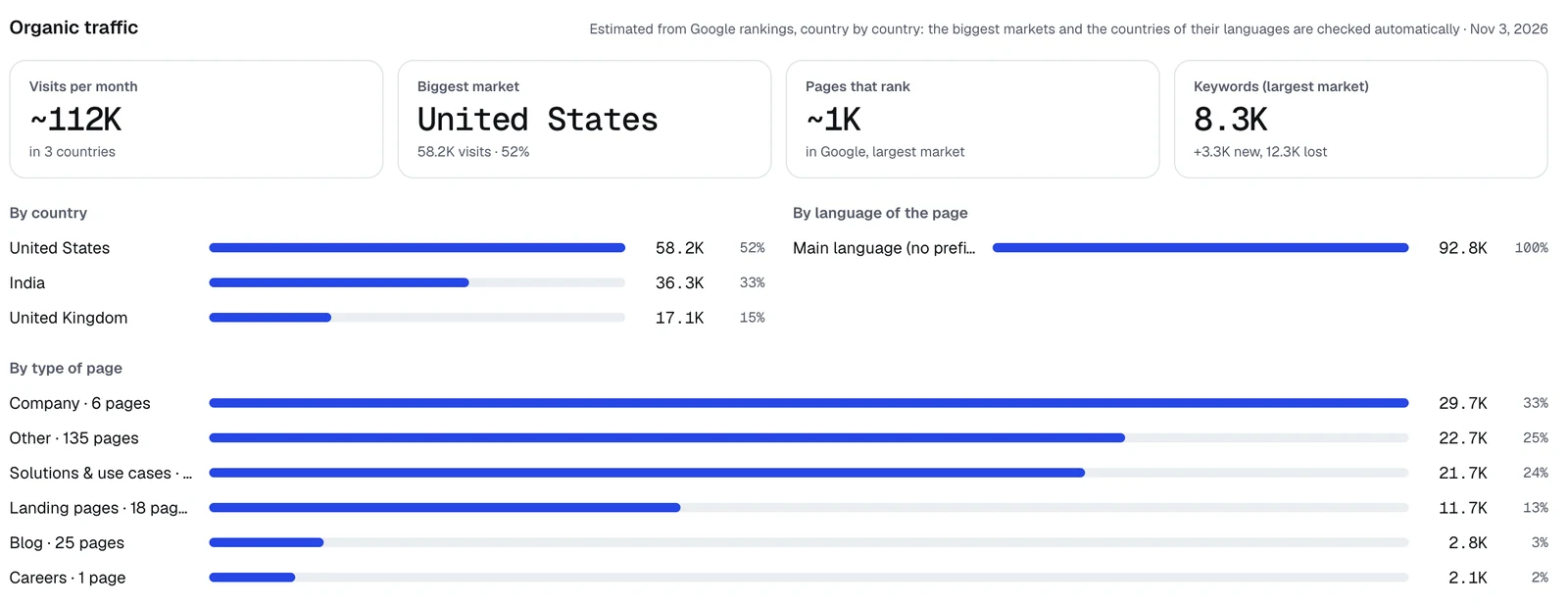
Organic trafficGoogle Search
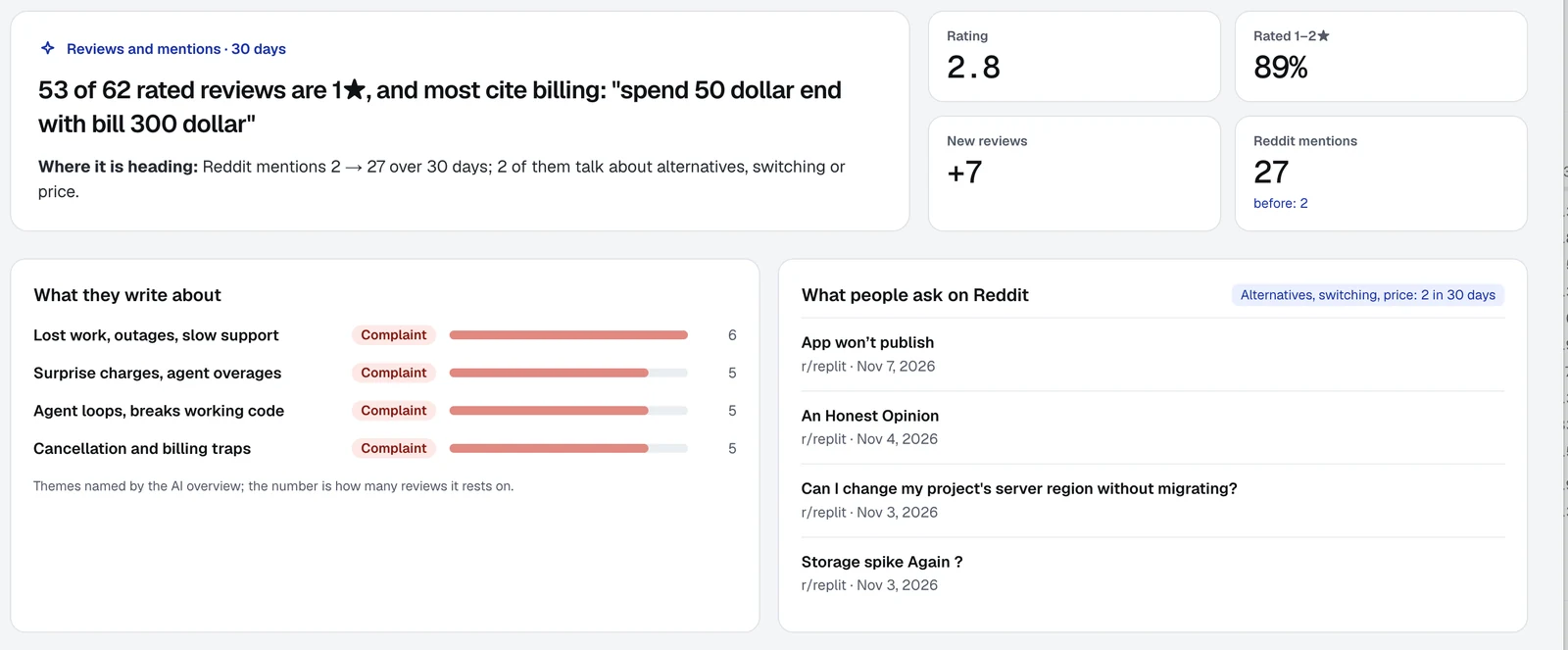
Reviews and ratingsTrustpilotRedditG2 Capterra
New site pagesfrom the sitemap
01 · Ad trackingSee what they run, and for how long.Every Meta, Google and LinkedIn ad a competitor runs, how long it has been live and what hook, angle and offer it uses.MetaGoogleLinkedIn02 · Reviews and ratingsRead what their customers write.Ratings, Trustpilot reviews and Reddit mentions in one place, with a short verdict on what customers praise and complain about.TrustpilotReddit03 · Organic trafficSee where their free traffic comes from.How many visitors a competitor gets from search, from which countries and pages, and what it publishes next.Google Search04 · MCP serverAsk your AI assistant. It reads AdRadar.Connect Claude, Cursor, Claude Code or ChatGPT once and ask in plain words what competitors launched, what their customers complain about and who bids on your brand.ClaudeCursorChatGPT


OverviewThe first page of every competitor
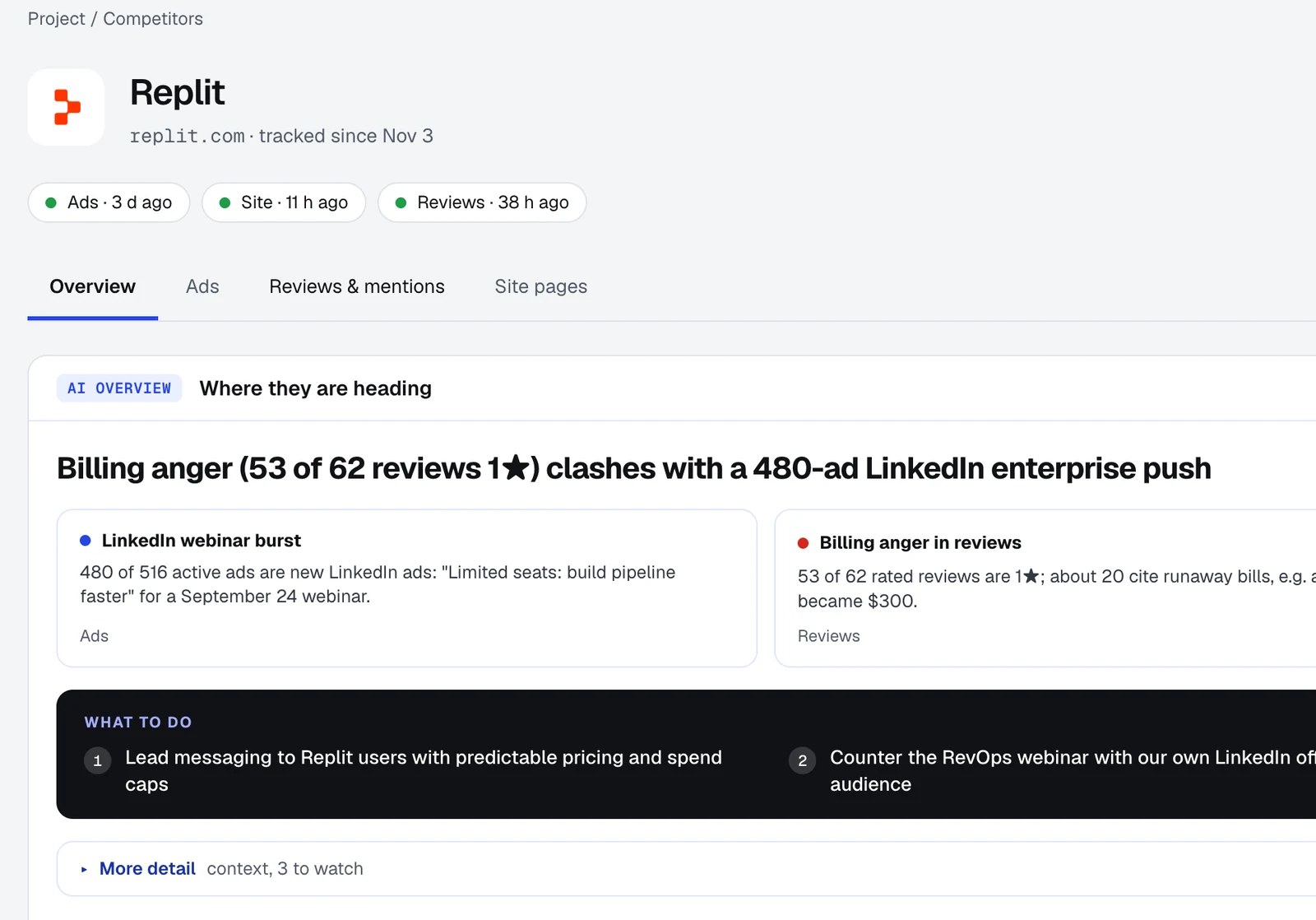
The three channels, summed up.
The Overview tab combines ads, organic traffic and reviews into one overview in English: the key takeaways for each channel, a feed of what changed and what to do next. Ads, Reviews and mentions, and Site pages are one tab away.
Alerts go to Slack, Telegram, Microsoft Teams, Discord, email or your own webhook, instantly or as a digest, as your team sets it up.
How to startThree steps
From a name to a full picture.
01
Name a competitor
Type a company name or a website.
02
Confirm what we found
Check the ad accounts and review pages AdRadar found, and choose where alerts should go.
03
Read the overview
Ads, organic traffic and reviews are on one page, and changes come to you.